

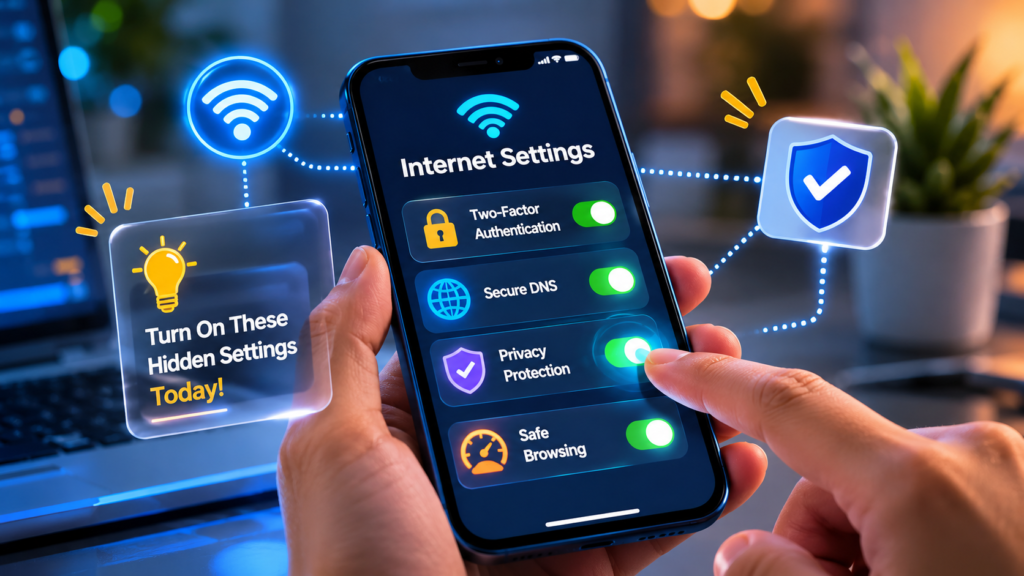
Most people use the internet every single day — but very few know about the hidden settings that can improve privacy, speed, and online security instantly.
Your phone, browser, and online accounts already include powerful features that many users never activate. Turning on just a few important settings can make your internet experience safer, faster, and smarter.
Here are some internet settings and tips everyone should know.
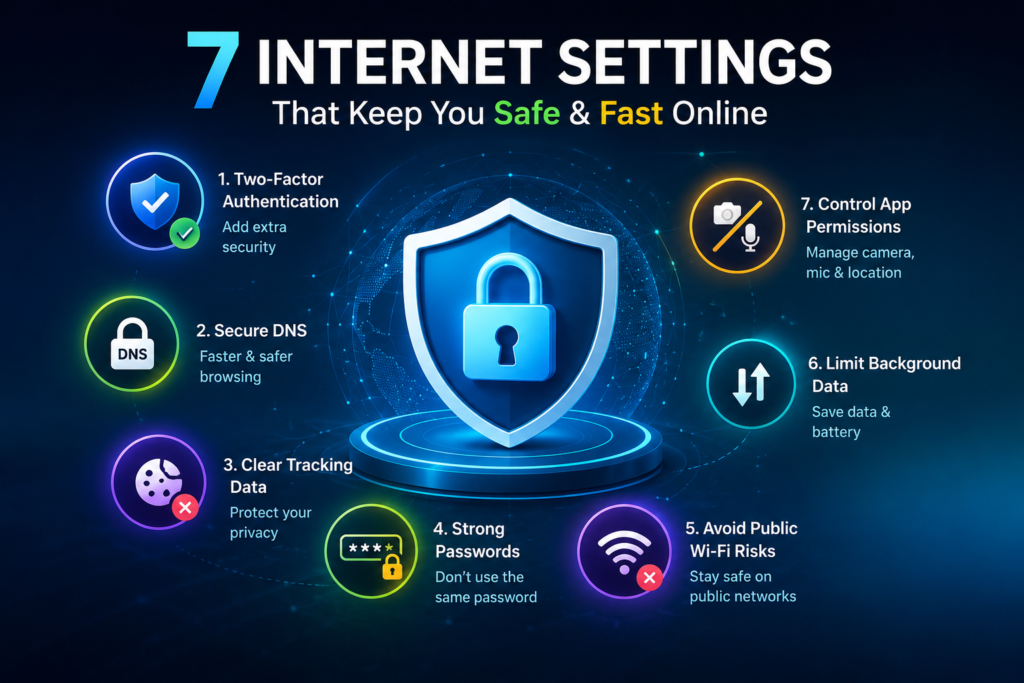
1. Turn On Two-Factor Authentication (2FA)
This is one of the most important security settings on the internet.
Even if someone gets your password, they still cannot access your account without a second verification code.
You should enable 2FA on:
- Gmail
- Banking apps
It only takes a minute but adds a huge layer of protection.
2. Check Which Apps Use Your Camera & Microphone
Many apps silently request access to:
- Camera
- Microphone
- Location
- Contacts
Some apps continue using these permissions in the background.
What You Should Do:
Go to your phone settings and disable permissions for apps that don’t really need them.
This improves both privacy and battery life.
3. Use Private DNS for Faster & Safer Browsing
Most users never change their DNS settings, but using a secure DNS can:
- Improve internet speed
- Block harmful websites
- Increase privacy
Popular secure DNS options include:
- Google DNS
- Cloudflare DNS
This small setting can make browsing smoother and safer.
4. Clear Browser Tracking Data
Websites constantly track your activity using cookies and trackers.
Why It Matters:
Tracking affects:
- Privacy
- Ads
- Browser performance
Quick Tip:
Clear:
- Cookies
- Cache
- Tracking permissions
every few weeks for a cleaner browsing experience.
5. Don’t Use the Same Password Everywhere
One leaked password can expose all your accounts.
Smart Internet Rule:
Use:
- Different passwords
- Strong combinations
- Password managers
This is one of the easiest ways to stay safe online.
6. Public Wi-Fi Is Not Always Safe
Free Wi-Fi in cafés, airports, and public places may look convenient, but it can also be risky.
Hackers sometimes monitor public networks to steal information.
Safer Option:
- Avoid logging into banking apps on public Wi-Fi
- Use VPN services if possible
7. Turn Off Background Data for Unused Apps
Some apps continuously use internet data even when you are not using them.
This can:
- Slow down your device
- Drain battery
- Consume mobile data
Disable background internet access for unnecessary apps.
Why These Settings Matter
Most internet threats don’t happen because technology is weak — they happen because users ignore basic settings.
A few smart changes can:
- Improve security
- Protect privacy
- Speed up browsing
- Save mobile data
- Reduce online risks
Final Thoughts
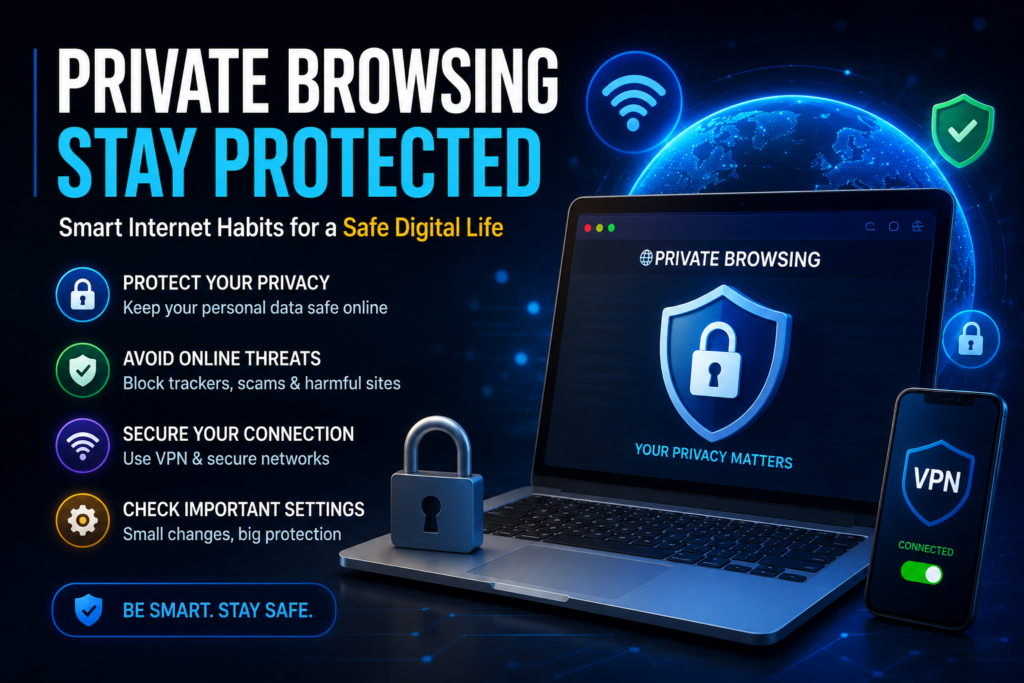
The internet is powerful, but smart internet usage is more important than ever. Many useful settings are already available on your device — you just need to activate them.
Small internet habits today can prevent major problems tomorrow.
Stay smart. Stay secure. Stay updated.
Very Good work 👌👌👌👌👌